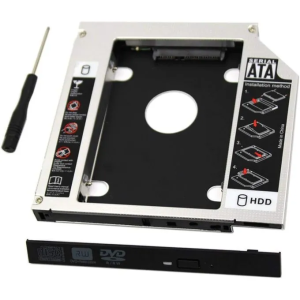
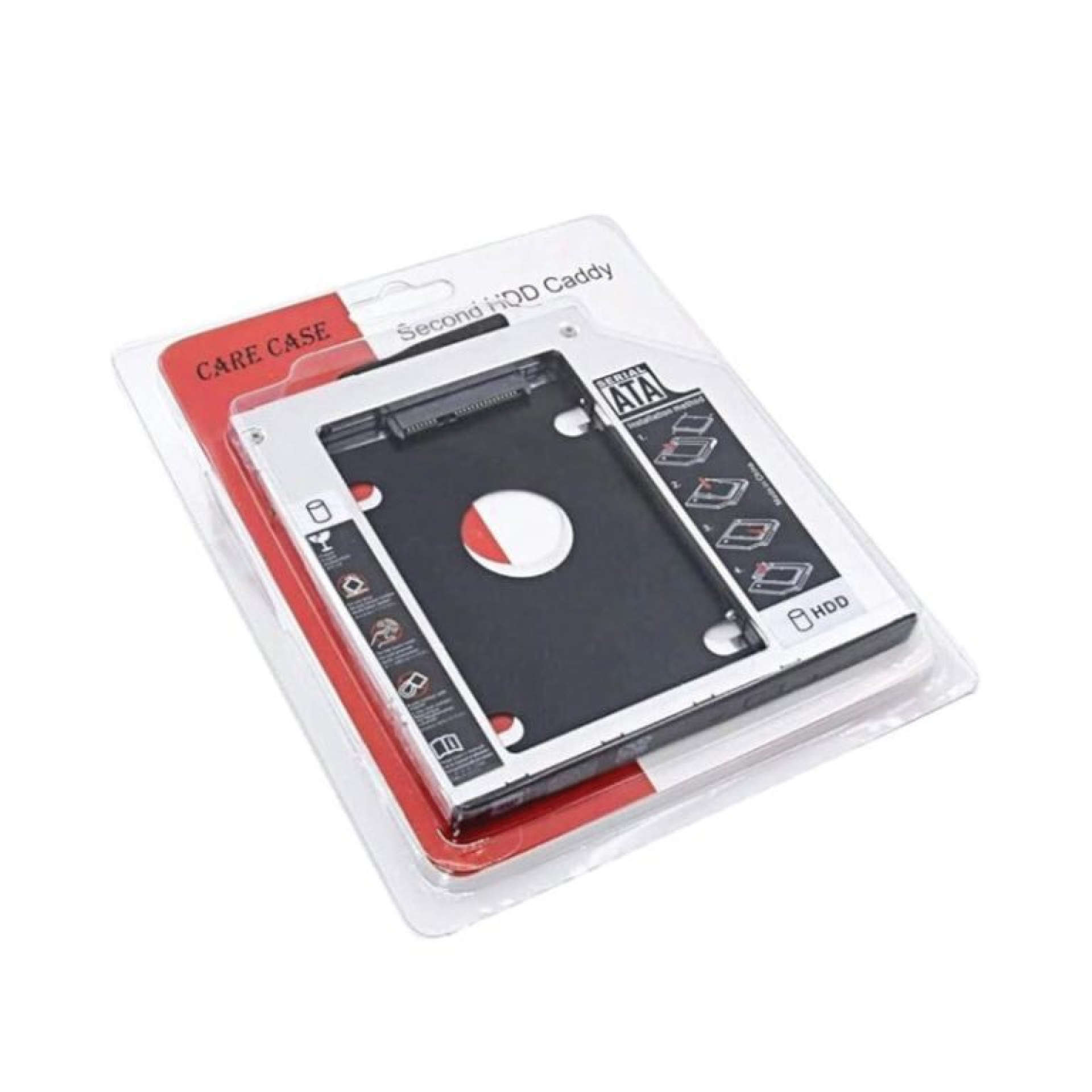
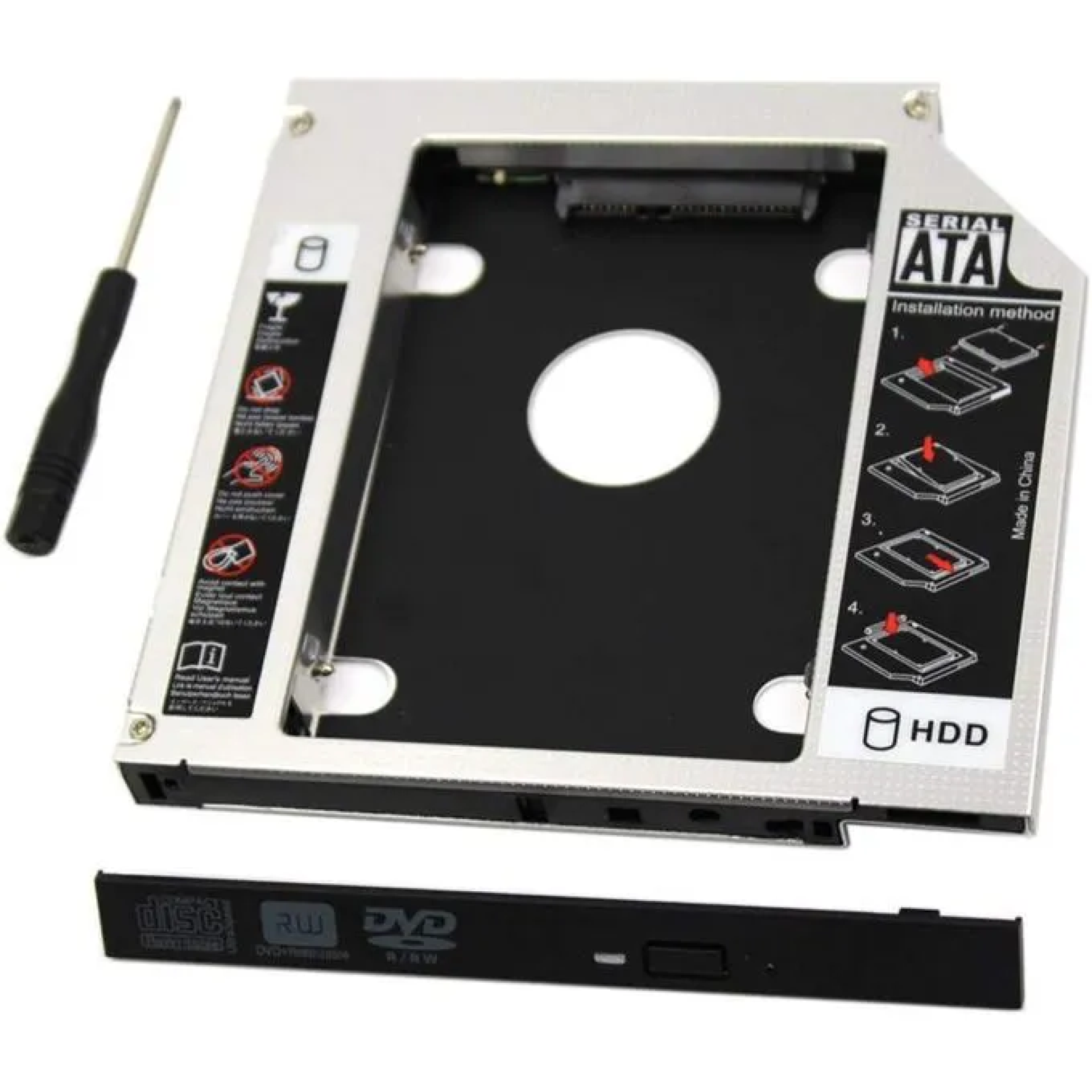
Generic HDD Caddy Slim Overview
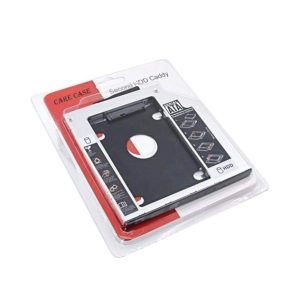
The Generic HDD Caddy Slim is a practical accessory that allows you to replace your laptop’s optical drive (DVD/CD drive) with an additional hard disk drive (HDD) or solid-state drive (SSD). This slim caddy is designed to fit into laptops with a standard slim optical bay, providing extra storage or faster performance without compromising portability.
Generic HDD Caddy Slim Specifications
| Component | Details |
|---|---|
| Type | Slim HDD/SSD caddy |
| Supported Drives | 2.5″ SATA HDD/SSD |
| Interface | SATA I/II/III |
| Bay Size | 9.5 mm slim optical bay |
| Compatibility | Laptops with removable optical drives |
| Build | Lightweight aluminum/plastic frame |
| Features | Plug-and-play, hot-swappable |
Generic HDD Caddy Slim Price in Kenya
| Product Description | Price Range (KES) |
|---|---|
| Generic HDD Caddy Slim | KSh 1,000 – 2,800 |
Generic HDD Caddy Slim Design and Build
-
Slim 9.5 mm design fits most laptops with optical drive bays.
-
Lightweight yet durable frame for secure drive installation.
-
Easy installation with screw mounts and SATA connectors.
-
Professional finish blends seamlessly with laptop design.
Generic HDD Caddy Slim Performance
-
Expands laptop storage by adding a second HDD or SSD.
-
Supports high-speed SATA III connections for fast data transfer.
-
Ideal for upgrading laptops with SSDs while keeping HDDs for storage.
-
Reliable plug-and-play functionality without extra drivers.
Generic HDD Caddy Slim Pros and Cons
| Pros | Cons |
|---|---|
| Affordable and widely available | Limited to laptops with optical bays |
| Adds extra storage easily | May not fit ultrabooks or newer laptops |
| Supports HDD and SSD | Installation requires removing optical drive |
| Slim and lightweight | – |
| Plug-and-play | – |
Generic HDD Caddy Slim FAQs
1. What type of drives does it support? It supports 2.5″ SATA HDDs and SSDs.
2. Does it fit all laptops? No, it fits laptops with a 9.5 mm slim optical drive bay.
3. Can I use it with ultrabooks? Most ultrabooks don’t have optical bays, so it’s not compatible.
4. Is installation complicated? No, it’s straightforward—remove the optical drive and insert the caddy.
5. Does it affect laptop performance? No, it simply adds extra storage or allows SSD upgrades for faster performance.
| Shipping Cost |
|
| Shop Location | Kenya |