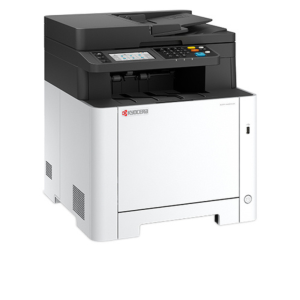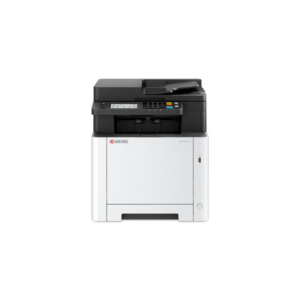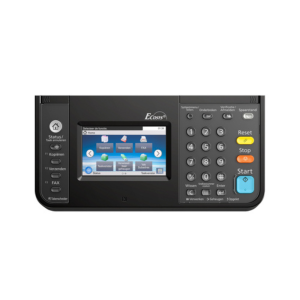
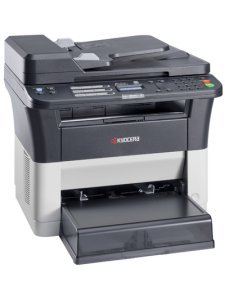
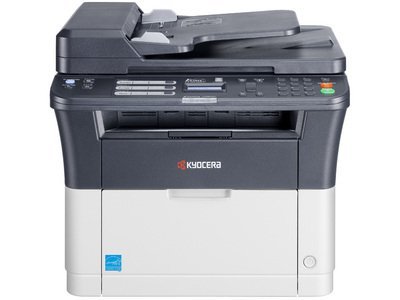

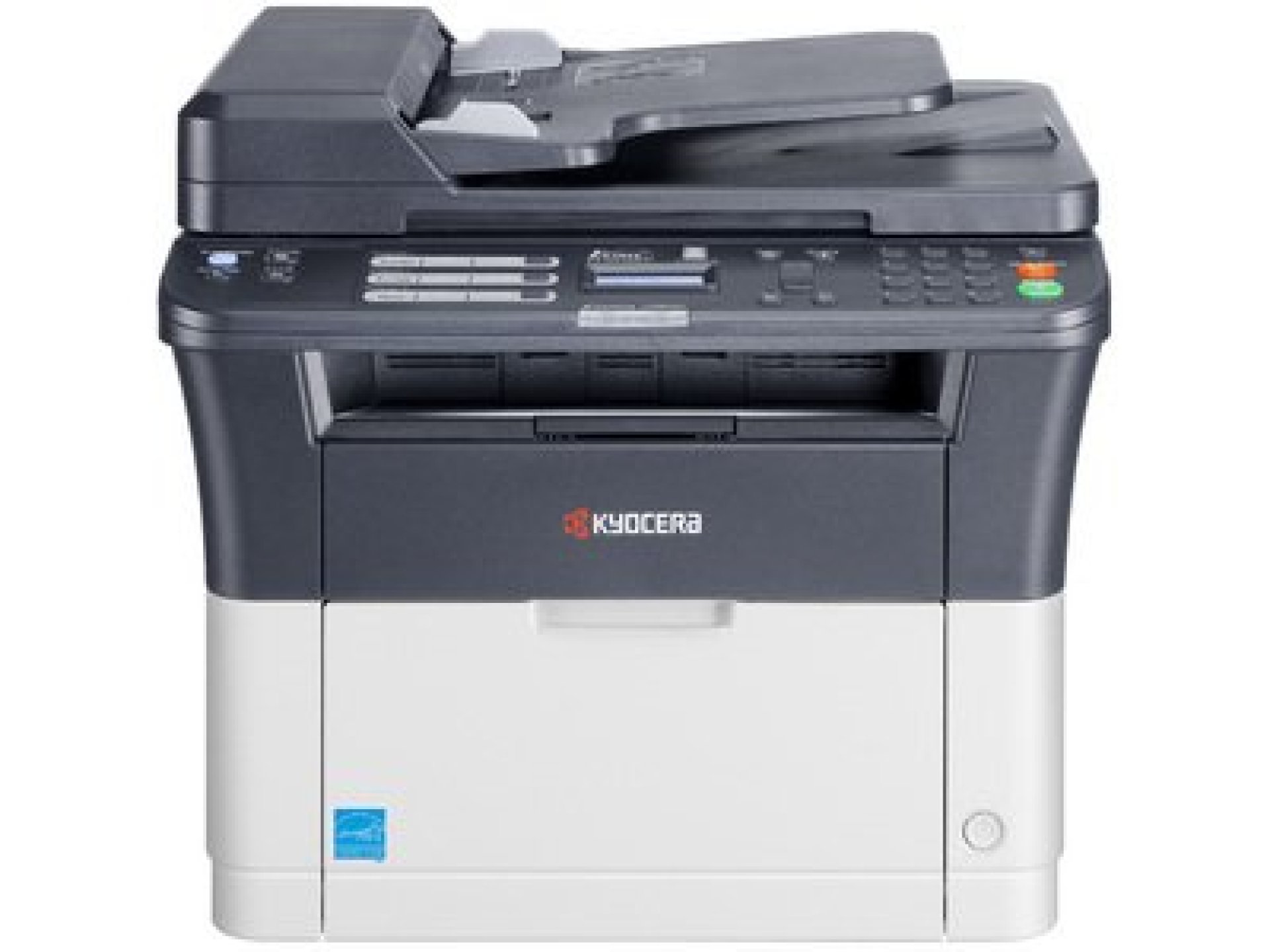
Kyocera ECOSYS FS-1025MFP Multifunction Printer
The Kyocera ECOSYS FS-1025MFP is a compact and reliable monochrome multifunction printer designed for home offices and small businesses. Combining print, copy, and scan functions in a single device, it offers excellent cost efficiency with Kyocera’s durable long-life components. With fast print speeds, high-quality output, and eco-friendly operation, this device is a smart choice for everyday office document handling.
Kyocera ECOSYS FS-1025MFP Price in Kenya
| Model | Specifications | Price Range (KES) |
|---|---|---|
| Kyocera ECOSYS FS-1025MFP | A4 Multifunction Laser, 25ppm, Print/Scan/Copy | 38,000 – 42,000 |
Kyocera ECOSYS FS-1025MFP Key Features
-
Print, Copy, Scan – 3-in-1 functionality
-
Monochrome Laser Printing
-
Print Speed: Up to 25 ppm (A4)
-
Print Resolution: 1200 dpi quality (Fast 1200 mode)
-
First Print Out Time: ~7.5 seconds
-
Automatic Duplex (optional with upgrade)
-
Standard USB and network connectivity
-
Compact design, ideal for small office spaces
-
Long-life drum and toner for reduced operating costs
Specifications for Kyocera ECOSYS FS-1025MFP
| Feature | Specification |
|---|---|
| Print Technology | Laser |
| Print Speed | 25 ppm (A4) |
| Print Resolution | 1200 dpi |
| Functions | Print, Copy, Scan |
| Max Paper Size | A4 |
| Duplex Printing | Manual |
| Input Capacity | 250 sheets |
| Connectivity | USB 2.0 |
| Monthly Duty Cycle | Up to 20,000 pages |
| Toner Yield | High-efficiency toner for low running cost |
Kyocera ECOSYS FS-1025MFP General Information
-
Model: Kyocera ECOSYS FS-1025MFP
-
Type: Monochrome Multifunction Laser Printer
-
Functions: Print, Copy, Scan
-
Display: 2-line LCD panel
Kyocera ECOSYS FS-1025MFP Print Specifications
-
Print Technology: Laser, Monochrome
-
Print Speed: Up to 25 ppm (A4)
-
Print Resolution: Up to 1200 × 1200 dpi (Fast 1200 mode)
-
Duplex Printing: Manual (automatic duplex optional)
-
First Print Out Time: Approx. 7.5 seconds
Kyocera ECOSYS FS-1025MFP Copy Specifications
-
Copy Speed: Up to 25 cpm
-
Copy Resolution: 600 × 600 dpi
-
Zoom Range: 25 – 400%
-
Multiple Copies: Up to 99
Kyocera ECOSYS FS-1025MFP Scan Specifications
-
Scan Type: Color Scanner (CIS)
-
Scan Resolution: Up to 600 × 600 dpi
-
Supported Formats: PDF, JPEG, TIFF
-
Scan to: PC via TWAIN/WIA
Kyocera ECOSYS FS-1025MFP Paper Handling
-
Input Tray Capacity: 250 sheets
-
Multipurpose Tray: 1 sheet
-
Output Tray Capacity: 100 sheets (face down)
-
Paper Sizes: A4, A5, A6, B5, Letter, Legal
-
Paper Weight: 60 – 163 g/m²
Kyocera ECOSYS FS-1025MFP Connectivity
-
Interfaces: USB 2.0, 10/100Base-TX Ethernet
Kyocera ECOSYS FS-1025MFP Memory & Processor
-
Standard Memory: 64 MB
-
Processor Speed: 390 MHz
Kyocera ECOSYS FS-1025MFP Physical Specifications
-
Dimensions (HxWxD): 390 × 361 × 362 mm
-
Net Weight: ~10.1 kg
-
Color: White/Black
Kyocera ECOSYS FS-1025MFP Environmental
-
Power Consumption: Approx. 315W (printing), 3W (energy-saving mode)
-
Noise Level: ≤ 50 dB (printing)
-
Eco Features: Long-life drum, low energy usage
Kyocera ECOSYS FS-1025MFP Applications
-
Small Offices
-
Home Office Users
-
Document Copying & Scanning
-
Everyday Business Printing
Target Users
-
Small Businesses – Perfect for low to medium printing volumes.
-
Home Offices – Compact design fits easily on desks.
-
Students & Freelancers – Affordable and reliable for everyday printing.
Pros and Cons
Pros:
-
Compact, space-saving design
-
Fast 25ppm printing speed
-
Low cost per page with ECOSYS technology
-
Reliable Kyocera long-life components
-
Quiet and energy-efficient operation
Cons:
-
No automatic duplex printing (manual only)
-
Limited to A4 paper size
-
Lacks advanced networking options (USB-only model)
FAQs
1. What is the price of Kyocera ECOSYS FS-1025MFP in Kenya?
It costs between KSh 38,000 – 42,000, depending on the retailer.
2. Can it scan and copy?
Yes, it supports printing, scanning, and copying out of the box.
3. Does it support duplex printing?
Only manual duplex printing is available on this model.
4. Is it suitable for heavy-duty printing?
It’s best suited for low-to-medium workloads with up to 20,000 pages per month.
5. Does it support wireless printing?
No, it connects via USB 2.0. For wireless options, higher models should be considered.
6. How cost-efficient is it?
Kyocera’s ECOSYS design ensures low running costs thanks to long-life drum and high-yield toner.
| Shipping Cost |
|
| Shop Location | Kenya |